 dinoti
Meet your
dinoti.
Play together. Tell them about your day. Get to know each other.
Try web simulator
Submitted to the App Store.Waiting for review.Full web version coming soon.
Limited preview with scripted chat. Native AR and some camera features require the iOS app.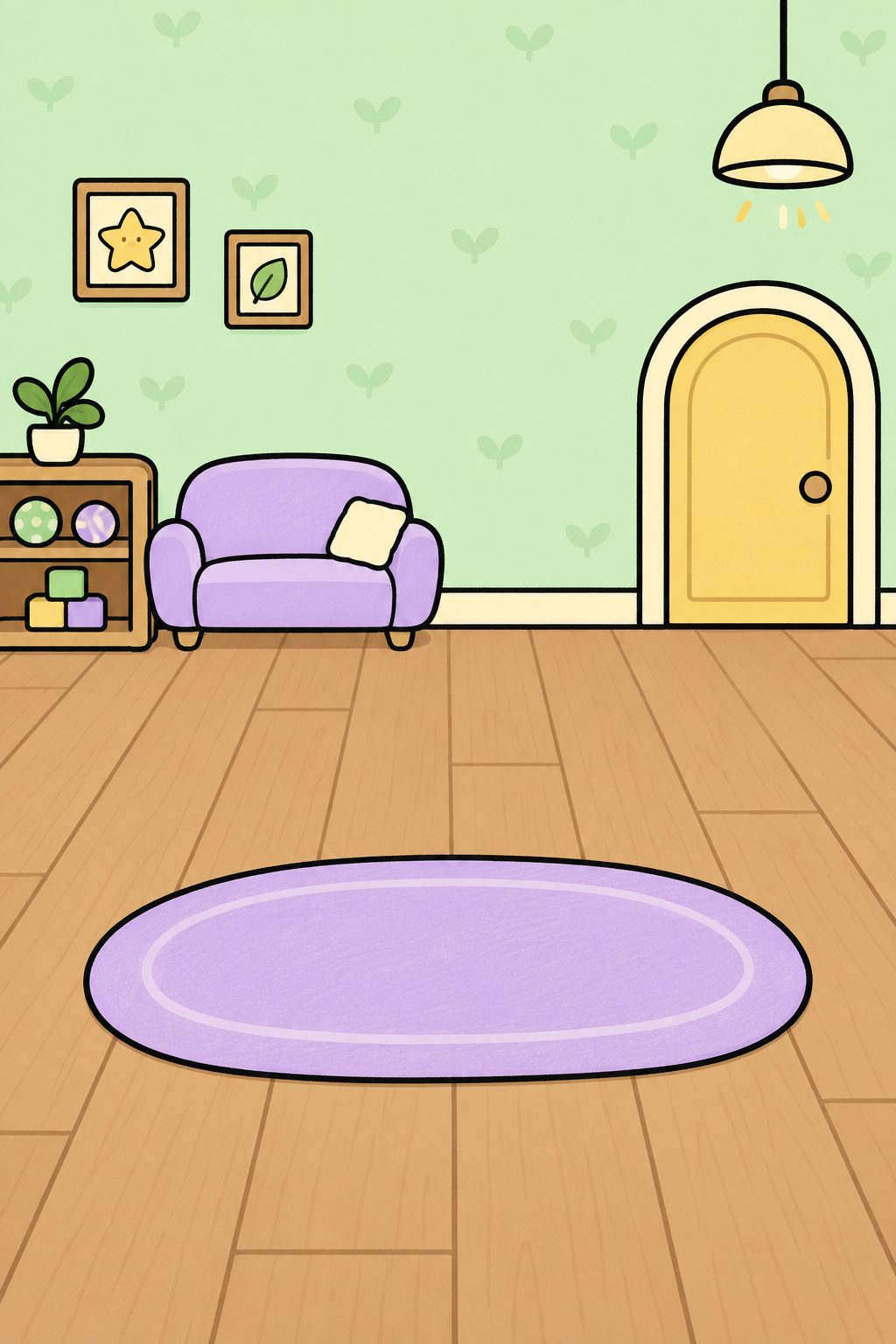
Hi!
Who will you pick?

Bloop
EnergyCuriosityChattinessPatience
Peach
EnergyCuriosityChattinessPatience
Momo
EnergyCuriosityChattinessPatience
Sunny
EnergyCuriosityChattinessPatience
Ember
EnergyCuriosityChattinessPatiencePlay together
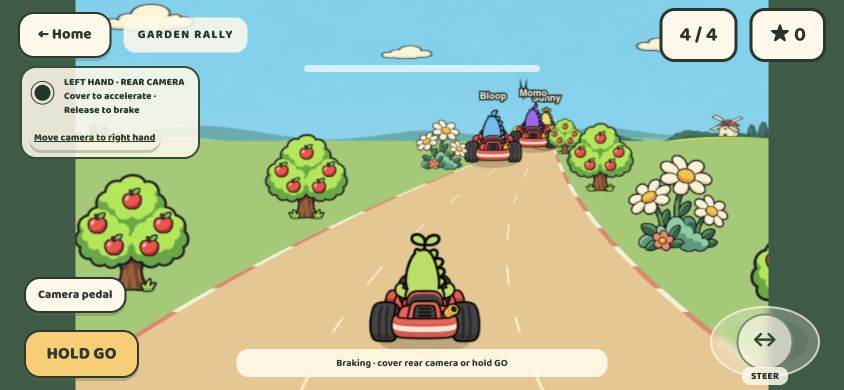
Garden Rally
Race against Bloop, Momo and Sunny.
How to play
- In the simulator, open Playroom → Play with me. Turn your phone sideways, then choose Let’s race!
- Hold HOLD GO to accelerate. Let go to brake.
- Drag the steering joystick left or right. On a keyboard, use the arrow keys to steer and hold Space to accelerate.
The optional camera pedal responds when you cover or uncover the rear camera. You can also use the on-screen pedal shown here without camera access.
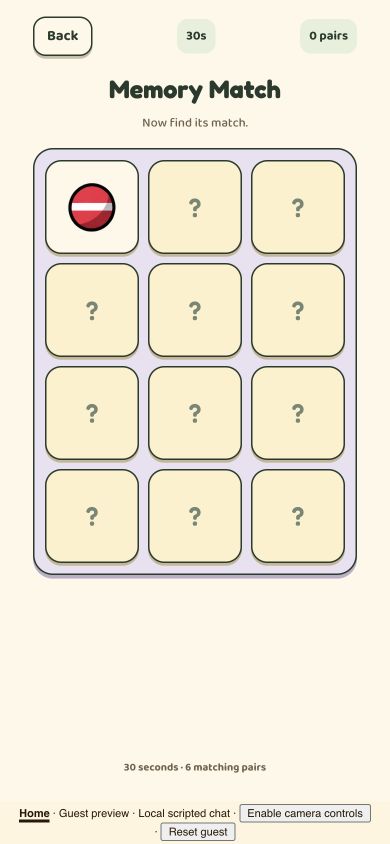
Memory Match
Flip the cards, remember the treasures, and find all six matching pairs.
How to play
- Open Playroom → More games → Memory Match, then select Start matching.
- Tap or click two cards to reveal their treasures. Matching cards stay revealed; mismatches turn back over.
- Remember what you’ve seen and find as many of the six pairs as you can before the 30 seconds are up.
This game uses taps or clicks. No camera or microphone is needed.
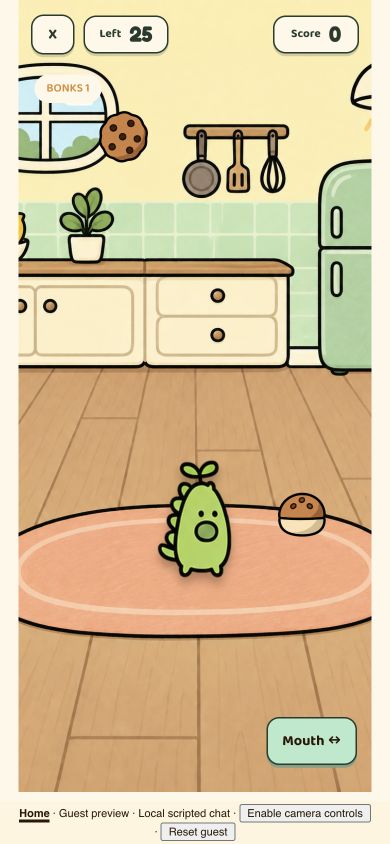
Chomp
Help your buddy catch snacks and avoid rocks.
How to play
- Open Kitchen → Time for a snack. Choose Play by touch for the browser’s manual alternative.
- Drag left and right to move your buddy under the falling snacks.
- Tap Mouth ↔ to open or close their mouth. Catch snacks, dodge rocks, and keep going for 30 seconds.
The native game is designed around leaning and opening your mouth with camera tracking. This screenshot shows the browser touch alternative; camera play requires your permission.
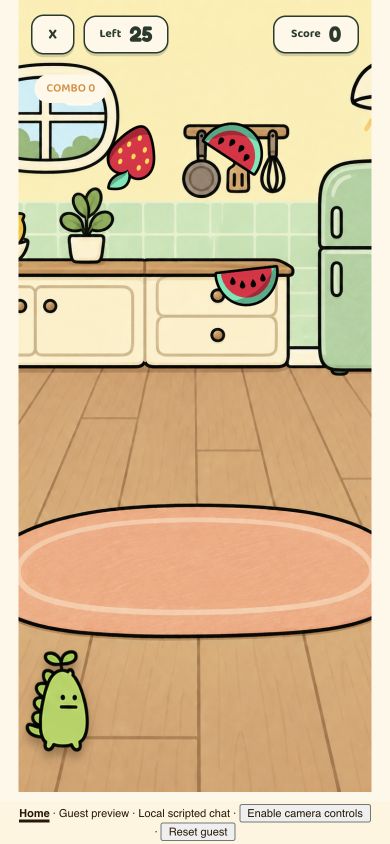
Fruit Slice
Slice the fruit. Watch out for bombs.
How to play
- Open Playroom → More games → Fruit Slice.
- Choose Play by touch. Swipe across fruit with your finger, or drag across it with a mouse.
- Avoid the bombs and keep slicing until the 30-second round ends. Watch your score and combo counter.
Native play uses camera-based hand tracking. The browser also offers hand controls, but they require permission to use your camera and have not been fully tested on physical devices. The screenshot shows the camera-off touch alternative.
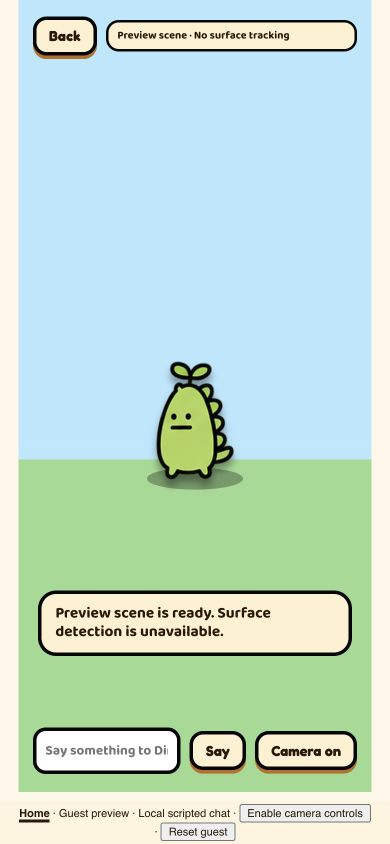
Walk outside
On supported iPhones, place your buddy in your surroundings with AR.
How to play
- In the browser simulator, open Playroom → Walk outside ↗.
- Leave camera controls off to explore the simple preview scene shown here.
- Type a short message and select Say for a local scripted reply. Select Back to return to your room.
Browser preview, not native AR: this screenshot has no real-world placement or movement tracking. Native iOS uses ARKit horizontal-surface detection on supported hardware, with camera permission. Browser capabilities vary and do not reproduce the native ARKit experience.
Screenshots from the browser preview. Privacy & preview limitations
dinoti for iPhone.
Submitted to the App Store. Waiting for review.
Full web version coming soon.
Meet your buddy.
Try web simulator →About the browser preview
This partial adaptation uses scripted chat. Native AR, pulse measurements and cloud accounts are unavailable. Camera controls are optional. Game summaries and conversations may be saved locally. dinoti is not a medical service.
Data, controls & limitations